
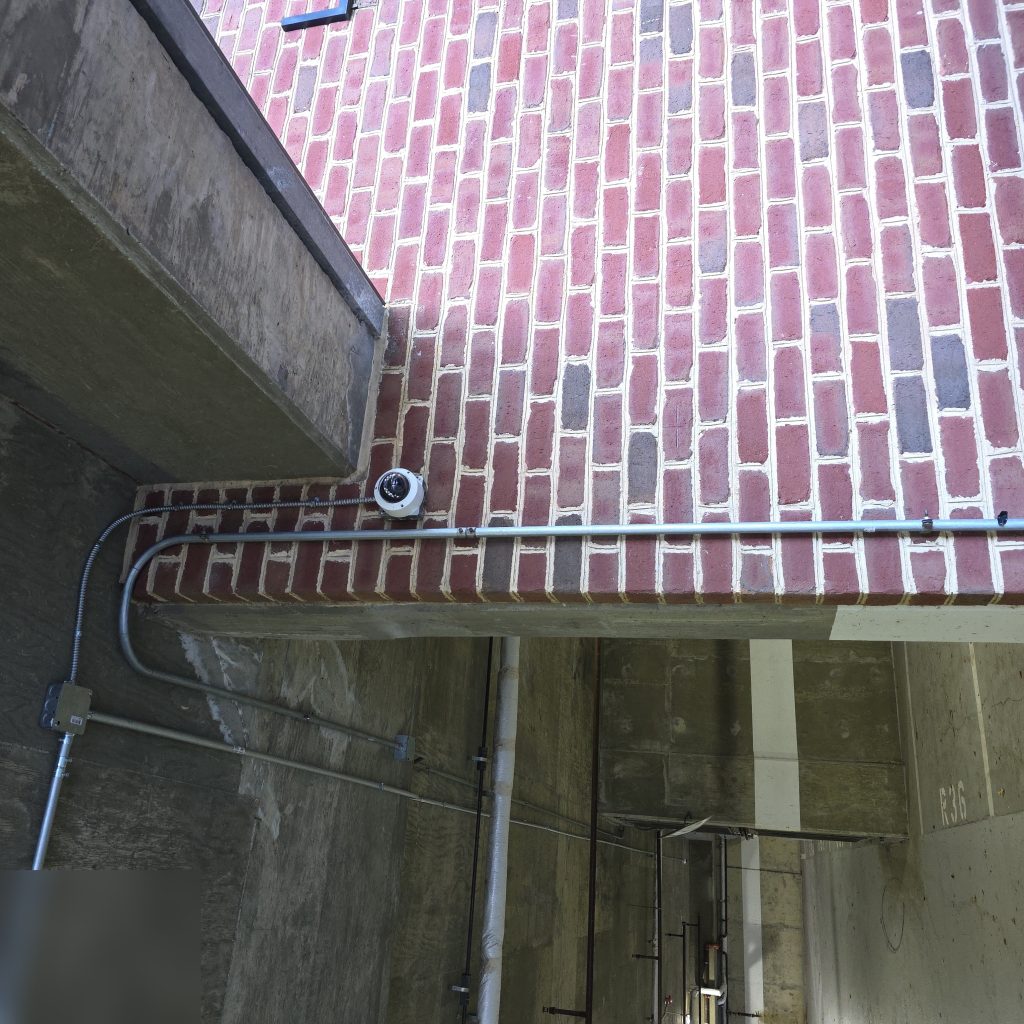
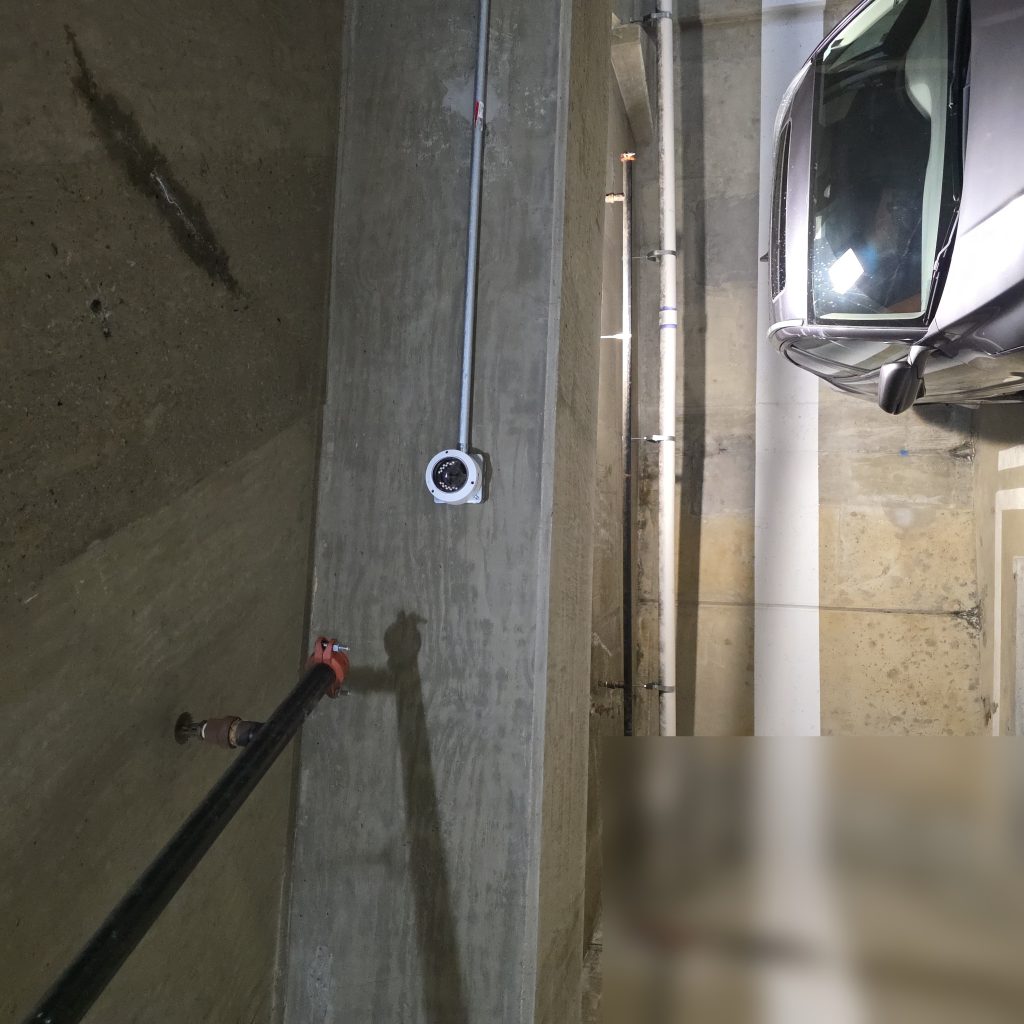
Security cameras have been a staple of commercial and multifamily properties for decades. For most of that time, their primary function was recording — footage sat on a hard drive until something happened, at which point someone reviewed it after the fact. AI-powered analytics changes that model significantly. Here’s what property managers need to understand about what these systems actually do and whether they make sense for your property.
What AI Camera Analytics Actually Does
The term “AI analytics” covers a wide range of capabilities. The most common ones relevant to property management include:
People counting: Cameras can count the number of individuals entering and exiting a space over time. Useful for monitoring lobby traffic, tracking occupancy in amenity areas, or identifying unusual activity patterns after hours.
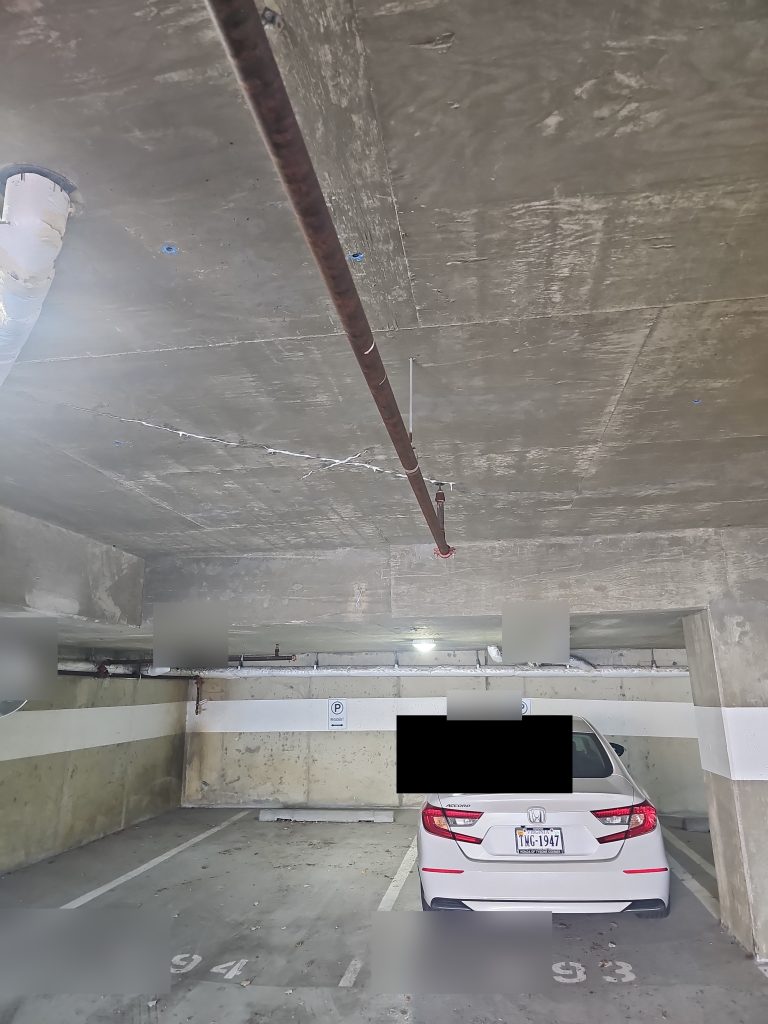
Loitering detection: The system identifies when a person or group remains in a defined area for longer than a set threshold and triggers an alert. Commonly used in parking garages, stairwells, and building entrances.
License plate recognition (LPR): Cameras with LPR can read and log vehicle plates automatically. In parking management applications, this enables automatic access control — a registered plate opens the gate without a fob or code. It also creates an audit log of vehicles entering and exiting.
Package and object detection: Some systems can detect when packages are left at an entrance or identify objects left unattended. Useful in buildings with high package volume and limited package room capacity.
Facial recognition: This capability exists and is offered by some vendors, but carries significant legal and ethical complexity. Many jurisdictions have specific regulations around facial recognition in residential applications. It’s worth separate legal review before considering it.
Practical Use Cases for Multifamily and Commercial Properties
In multifamily properties, the most immediately practical applications tend to be loitering detection in parking and common areas, LPR for parking access management, and package detection at entry points. These address real operational pain points without requiring significant changes to how the property is managed.
In commercial properties, people counting and occupancy monitoring have operational value beyond security — understanding how spaces are actually used can inform decisions about cleaning schedules, amenity hours, and building operations.
The key is matching the capability to a specific problem you’re trying to solve, rather than buying analytics because it’s available. Systems that generate constant alerts without meaningful filtering tend to get ignored, which defeats the purpose.
Privacy Considerations and Tenant Disclosure
Analytics-enabled cameras raise privacy considerations that standard recording systems don’t. In most U.S. jurisdictions, property owners are required to disclose surveillance in common areas — but the requirements vary, and analytics capabilities (particularly anything that identifies or tracks individuals) may trigger additional obligations.
Before deploying any AI analytics system in a multifamily property, consult with legal counsel familiar with your state’s privacy laws. At minimum, update your lease agreements and post visible signage disclosing that video analytics are in use. Some property managers also address this in their tenant welcome documentation.
Tenants are generally more comfortable with security cameras than they are with systems they perceive as tracking their movements. Clear, proactive communication about what the system does — and what it doesn’t do — goes a long way toward maintaining trust.
On-Camera vs. Cloud Processing
AI analytics can run in two places: on the camera itself (edge processing) or in the cloud after the footage is uploaded. Each approach has trade-offs.
On-camera (edge) processing reduces bandwidth requirements and keeps footage local. Alerts are generated in real time without depending on upload speed or a cloud platform. The limitation is that edge processing is constrained by the camera’s onboard hardware — more sophisticated analytics may not be available on lower-cost hardware.
Cloud processing allows more computationally intensive analytics and makes it easier to run analytics across a large camera network from a central dashboard. The trade-offs are ongoing bandwidth consumption, cloud subscription costs, and the fact that footage leaves your network.
Many modern systems offer a hybrid approach — basic analytics run on-camera, while more complex analysis or storage happens in the cloud.
What to Look for When Evaluating Cameras with AI Features
- False positive rate: Ask vendors how the system behaves in real-world conditions — busy lobbies, variable lighting, reflective surfaces. A system that generates constant false alerts will be disabled or ignored.
- Alert routing: How do alerts reach you? Email, SMS, a mobile app? Can you configure thresholds and schedules to reduce noise during normal business hours?
- Data retention and privacy controls: Who has access to your footage? Where is it stored? What are the data retention policies?
- Integration with existing systems: Can analytics trigger actions in your access control system — locking a door, sending a notification to a security desk?
- Upgrade path: AI analytics evolve quickly. Ask whether new capabilities are added to existing hardware via firmware updates or require new camera purchases.
AI analytics is a genuinely useful addition to a security system when deployed thoughtfully. If you’re evaluating whether it makes sense for your property, Innovative Developments can walk through the available options and help match capabilities to your specific needs.