
Security upgrades are one of those capital projects that tend to get deferred until something goes wrong. The problem is that reactive spending — replacing a system after an incident — usually costs more and happens under worse conditions than planned upgrades. This guide walks through how to structure a security budget before you need it.
The Main Cost Categories
Security upgrade budgets typically break into five categories, each with its own variables:
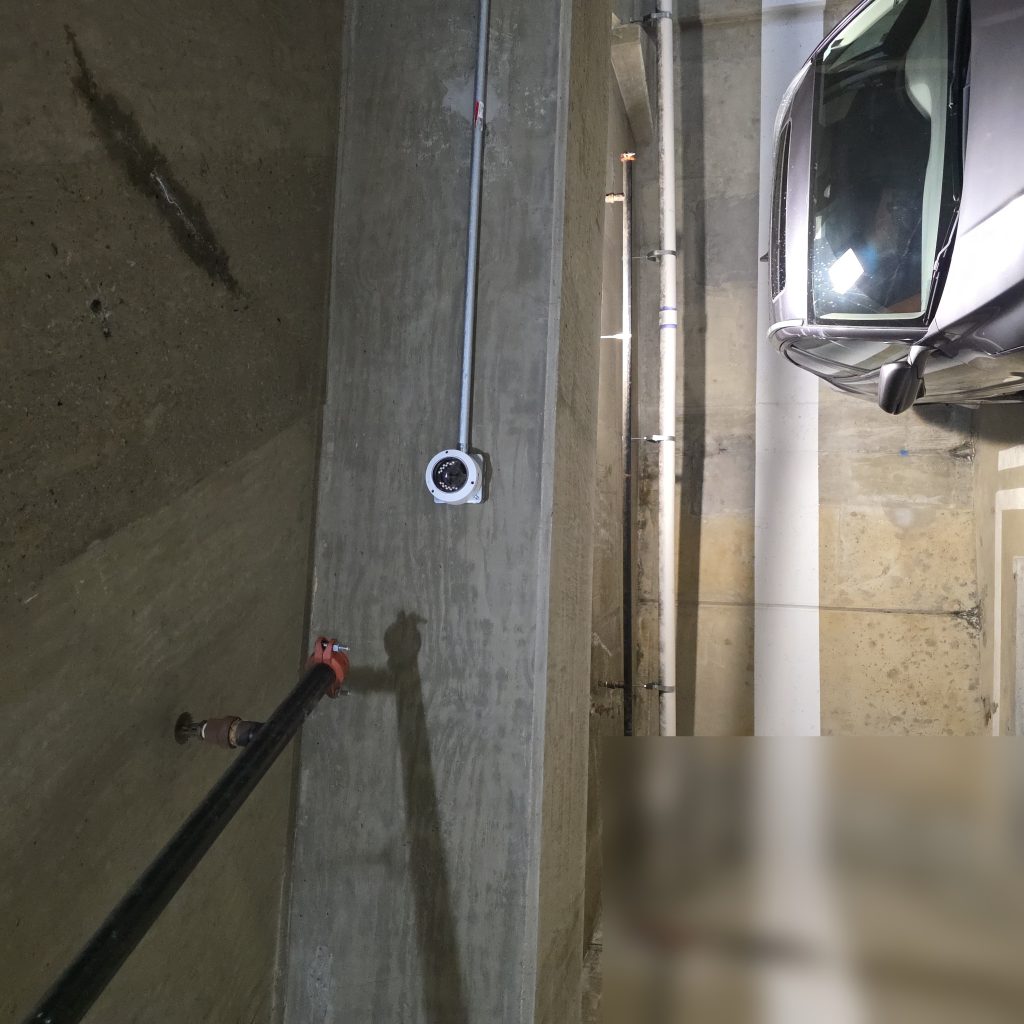
Hardware: Cameras, intercoms, access control readers, panels, locks, and related devices. Costs vary significantly based on grade (consumer vs. commercial vs. enterprise), brand, and feature set. A basic IP camera will cost considerably less than one with built-in analytics or a vandal-resistant housing — and the difference is usually justified in high-traffic or outdoor applications.
Installation labor: In most markets, licensed low-voltage labor is billed by the hour or by the point (per device installed). Complexity matters: running cable through finished walls, working at height, or integrating with existing infrastructure all increase labor time. Don’t assume installation is a flat add-on to the hardware cost.
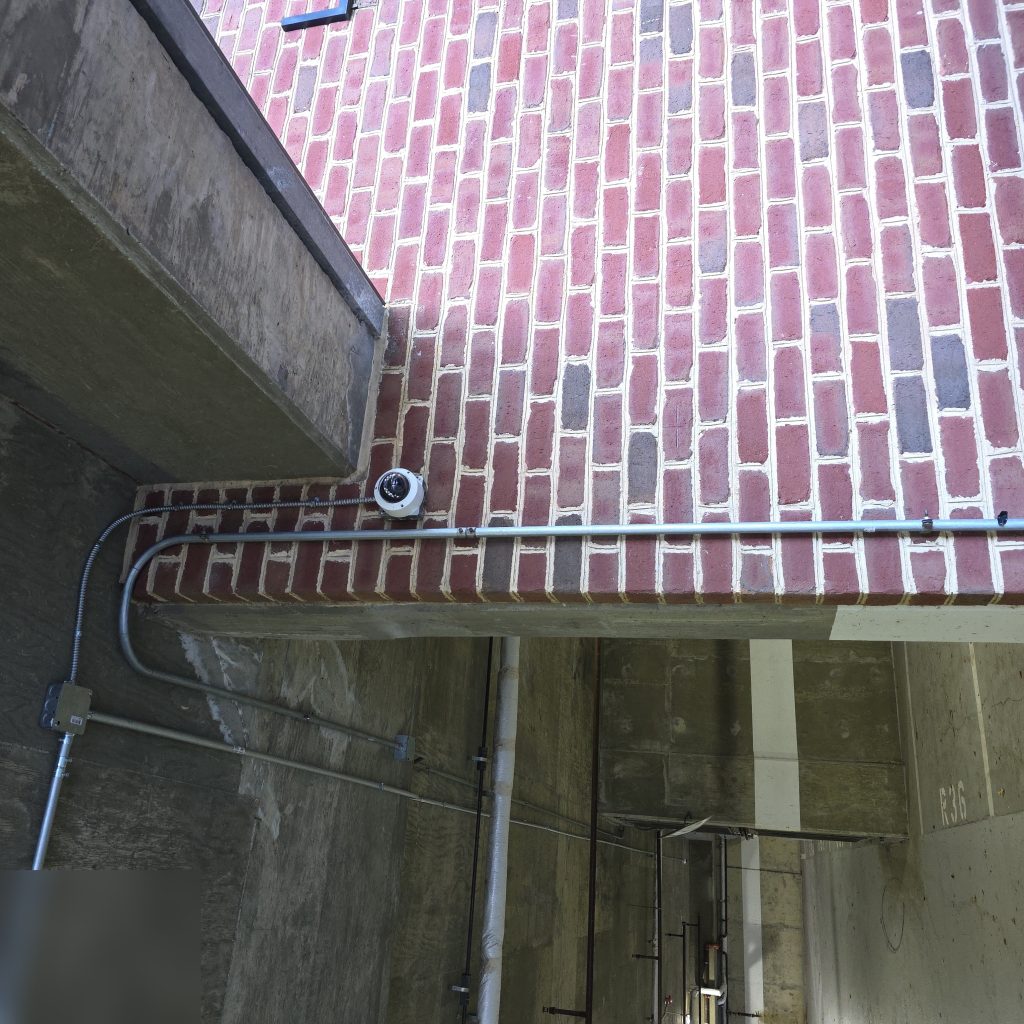
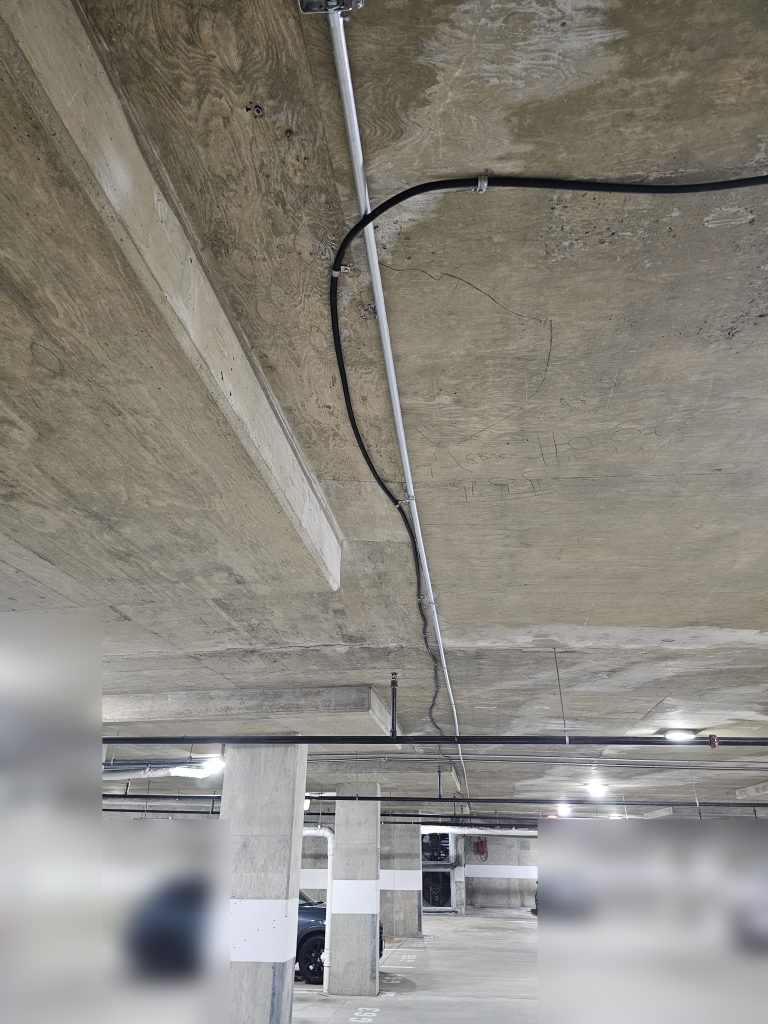
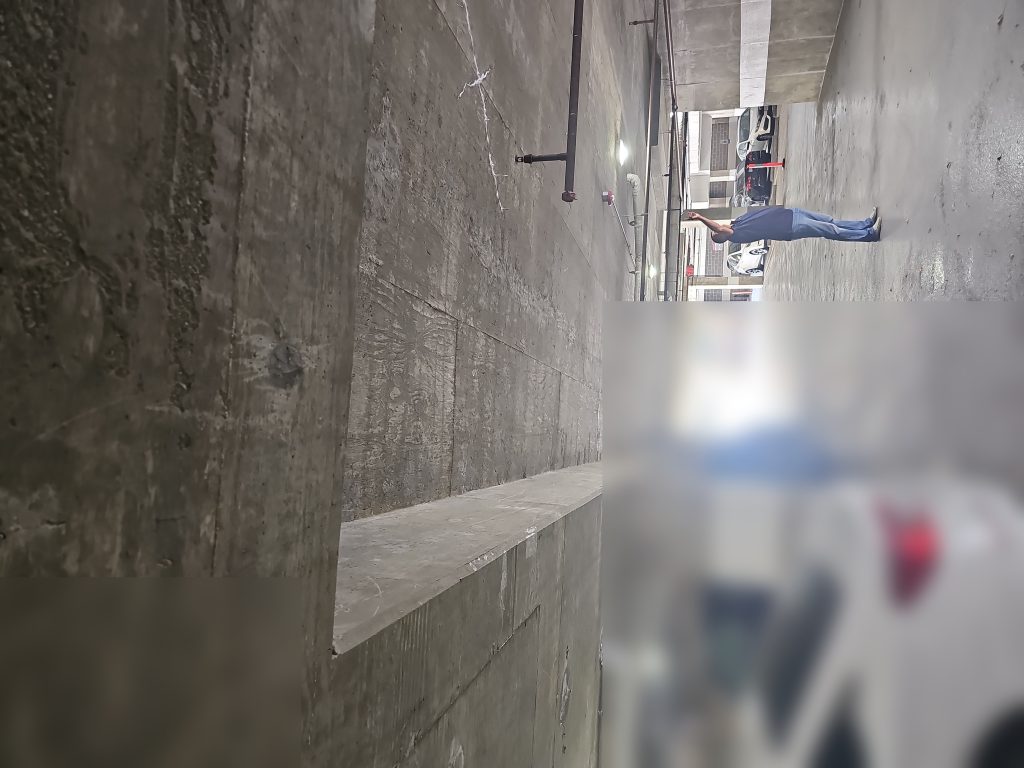
Cabling and low-voltage infrastructure: Many older buildings weren’t wired for modern security systems. Running new conduit, pulling CAT6 or coax, and terminating properly can be a significant line item — especially in concrete or masonry construction. A site survey should identify what infrastructure already exists and what needs to be added.
Software and licensing: Cloud-based systems typically carry monthly or annual subscription fees for video storage, platform access, or analytics features. These recurring costs are often underestimated in initial budgets. Get a clear picture of what’s included in the hardware price versus what’s billed ongoing.
Ongoing maintenance: All security systems require some level of maintenance — camera cleaning, firmware updates, battery replacements on wireless devices, and occasional service calls. Budget for this annually, not just at installation.
A Phased Approach
If full-property coverage isn’t feasible in one budget cycle, a phased approach is almost always better than doing nothing. The logic is straightforward: start with entry points.
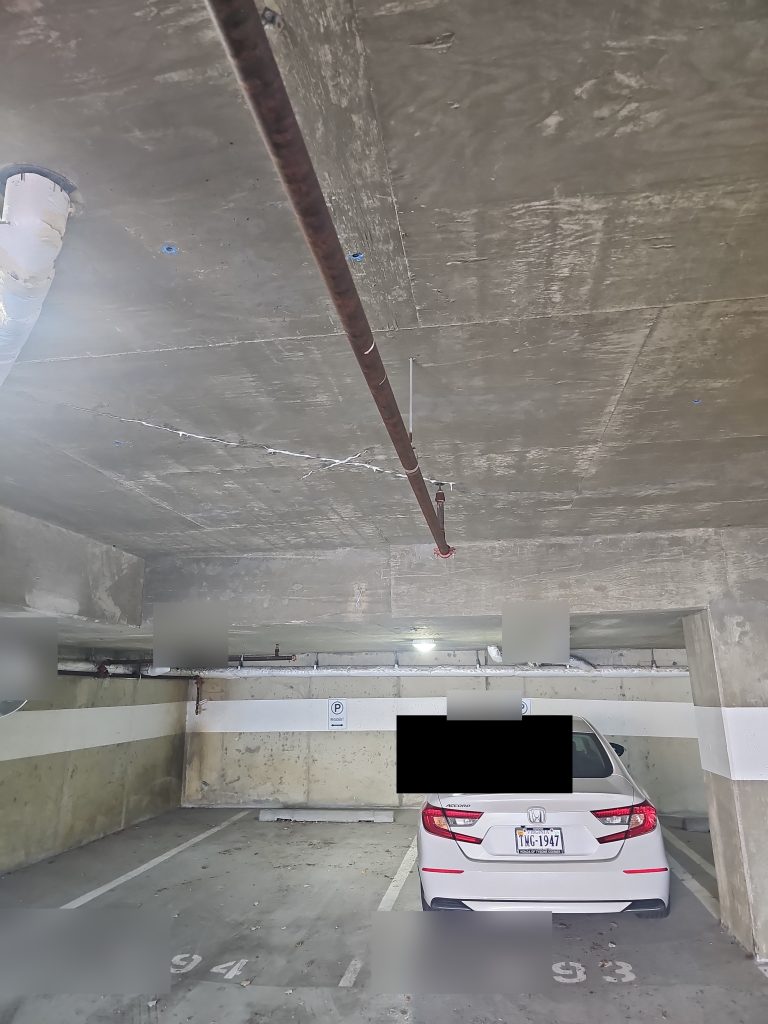
Main entrances, parking garage gates, package areas, and elevator lobbies are typically the highest-priority locations. Securing these first gives you meaningful coverage and lets you test your system vendor before committing to building-wide deployment. From there, you can expand to secondary access points, common areas, and individual floors in subsequent phases.
A phased plan also gives you leverage with vendors — they’re more likely to prioritize your project if they know more work is coming.
Questions to Ask Contractors
Not all security contractors are equal. Before awarding a contract, ask:
- Are you licensed and insured? Low-voltage work requires specific licensing in most states. Ask for the license number and verify it.
- What warranty do you provide on labor? Hardware warranties come from the manufacturer — but labor warranties (fixing installation defects at no charge) come from the contractor.
- What does post-installation support look like? Is there a service agreement available? What’s the response time for a service call?
- Have you worked on similar properties? Experience with multifamily or commercial buildings of similar size matters more than general security experience.
Why Multiple Bids Matter — and What to Compare
Getting multiple bids isn’t just about finding the lowest price. It’s about understanding whether the scope of work is consistent across proposals. When bids vary significantly, it’s often because one contractor included something another left out — better cable, a different camera grade, or more installation hours.
Compare bids line by line: hardware model numbers, cable type, number of labor hours, included warranty period, and what’s explicitly excluded. The cheapest bid may be the right choice, or it may be the one that leaves you with unexpected costs six months later.
Framing the ROI
Security investments aren’t always easy to quantify, but there are a few legitimate framing points for ownership or board conversations:
Reduced liability exposure: Documented access logs and camera footage can be critical in liability claims. Buildings without adequate security documentation are often in a weaker position in disputes.
Insurance considerations: Some commercial and multifamily property insurers offer reduced premiums for buildings with monitored security systems. It’s worth asking your insurer before finalizing the scope of a project.
Tenant retention: Security is consistently cited as a factor in tenant satisfaction, particularly in multifamily properties. Many property managers find that upgrading entry systems reduces turnover, though the relationship is difficult to quantify precisely.
If you’re planning a security upgrade and want help thinking through the scope, Innovative Developments offers site assessments and can walk through options at different budget levels.