
If you manage a large multifamily or commercial property with an existing camera system, there’s a good chance your video management software is costing you more than it should — and delivering less than what’s now standard.
The Legacy Licensing Problem
Many properties are still running video management systems (VMS) that charge per camera channel. Every device you add to the system requires an additional license purchase. For a 50- or 100-camera property, those fees accumulate quickly — and they typically have to be renewed or expanded every time the system grows.
This model made sense when VMS software was expensive to develop and maintain. It no longer reflects what modern platforms can offer.
What the Current Generation Looks Like
Modern recording servers from manufacturers like Axis Communications have moved to a bundled model. The Axis S1296 Camera Station Pro, for example, includes licenses for up to 96 cameras in the base system — along with capabilities that would have required expensive add-on modules on a legacy platform:
- AI-powered Smart Search — find footage by object type, appearance, or behavior without scrubbing through hours of video
- Object analytics — detect and classify people, vehicles, and other objects in real time
- Forensic video search — cross-camera search for specific individuals or events across your entire camera network
These aren’t premium add-ons. They’re included.
A Real-World Example
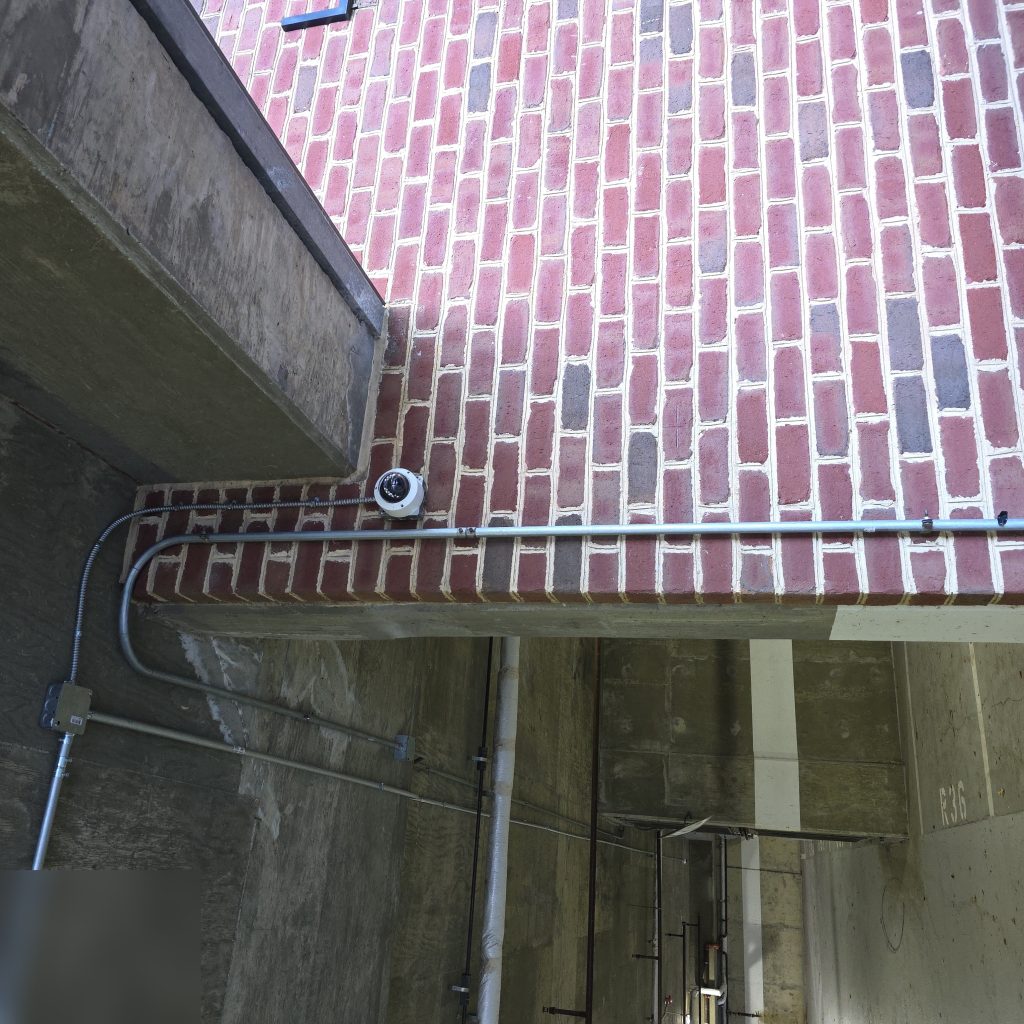
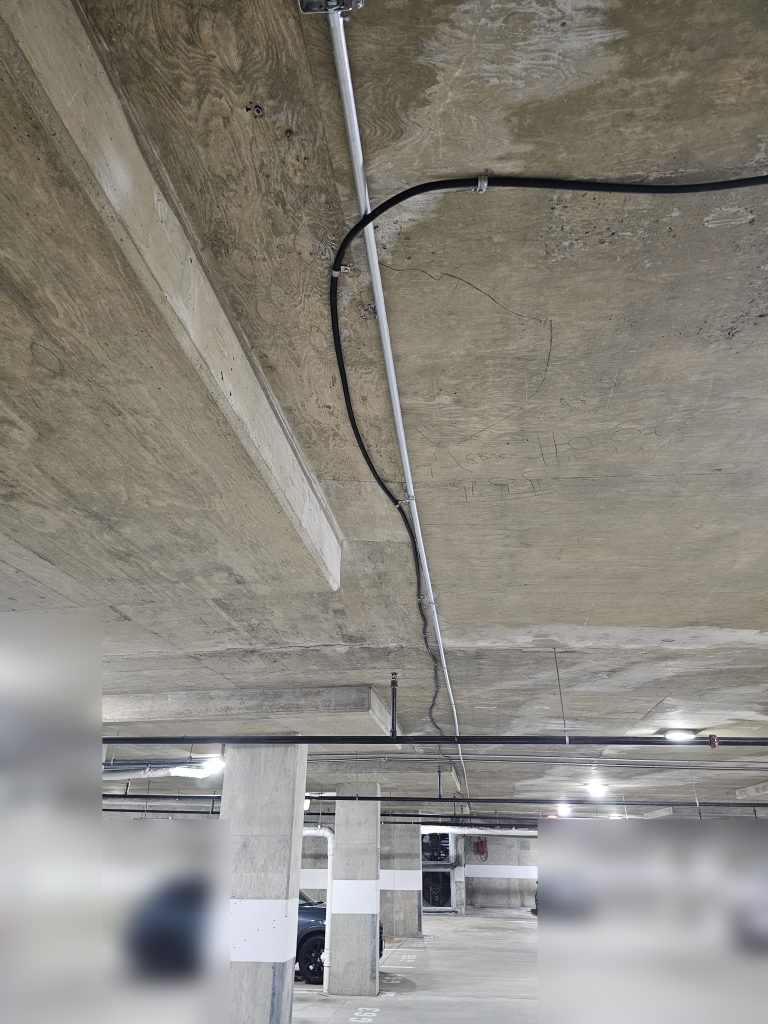
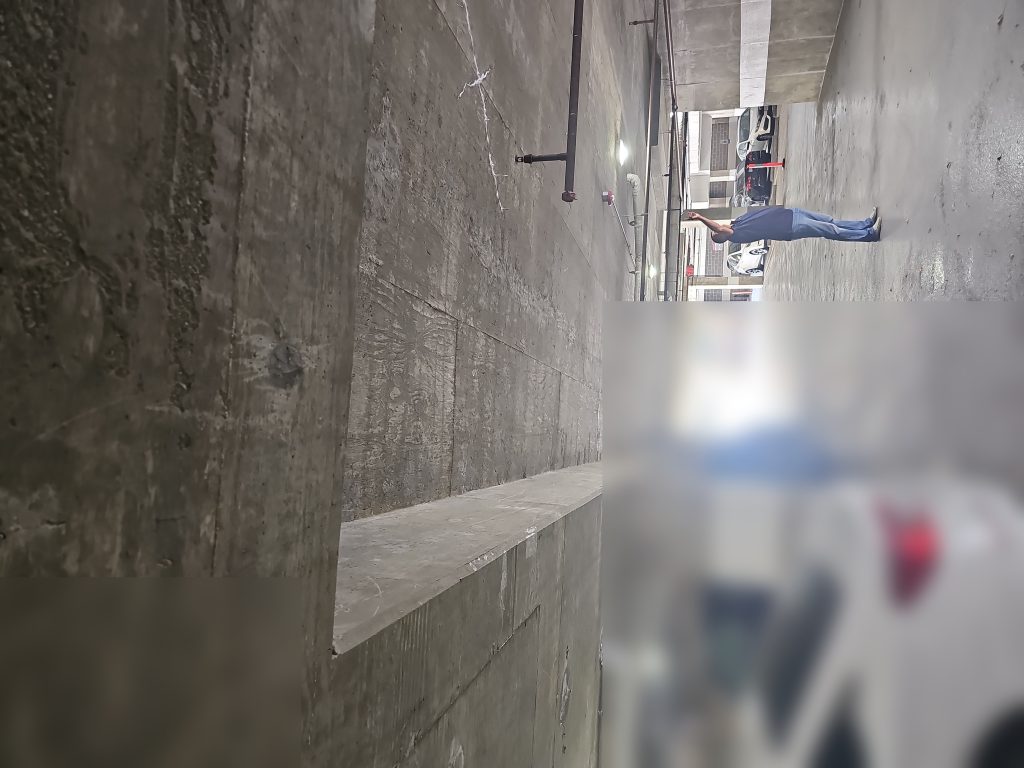
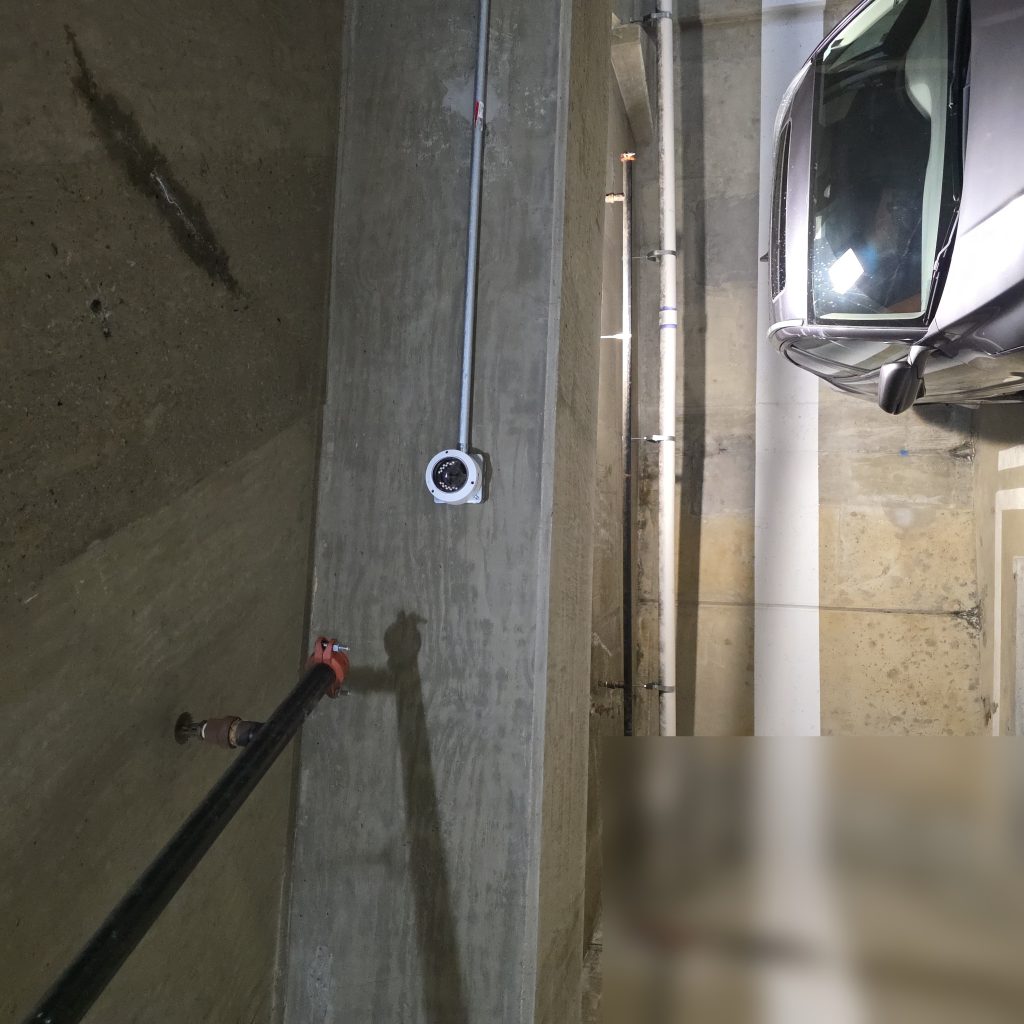
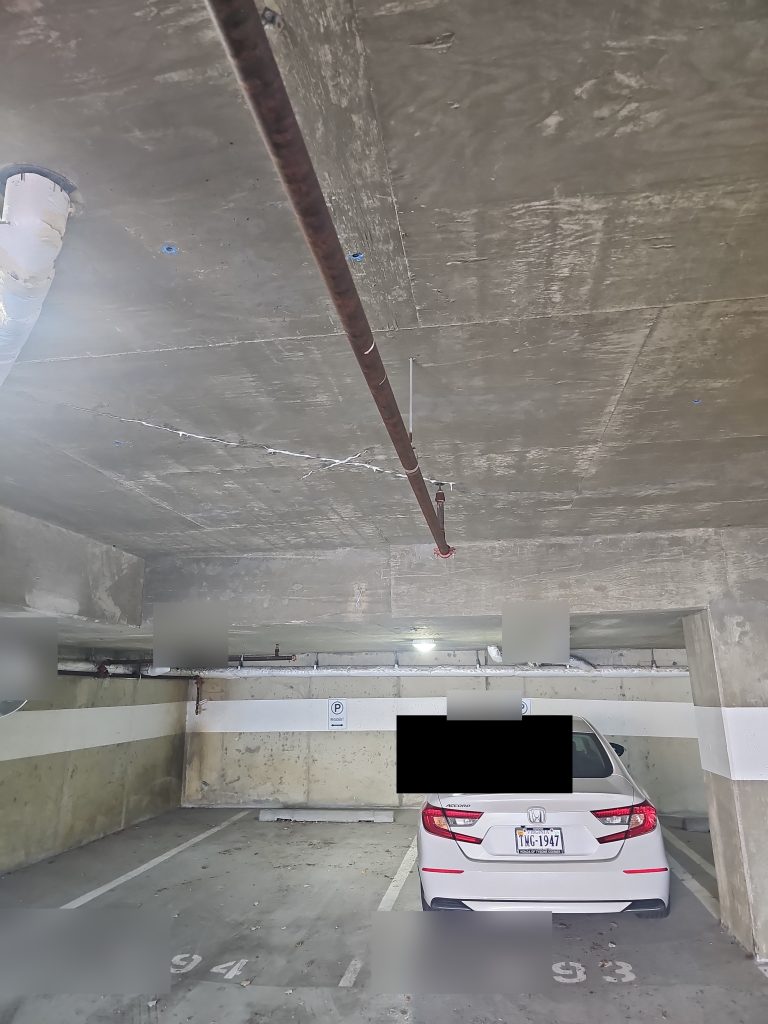
Our team recently completed a full camera system assessment at a Class A multifamily high-rise in Arlington, VA — 93 cameras across parking structures, corridors, elevator vestibules, amenity spaces, and building exteriors.
As part of the proposal, we compared continuing with the property’s existing legacy VMS against replacing it with an Axis Camera Station Pro server. When the per-camera licensing costs were accounted for across the full system, the legacy path was more expensive by over $20,000 — while delivering fewer features and no path to AI-assisted investigation tools.
The replacement wasn’t just about fixing what was broken. It was about putting the property on a platform that would actually serve them for the next decade.
The Questions Worth Asking Your Current Vendor
If you’re evaluating your current VMS or planning a camera system upgrade, these are worth getting answers to:
- What does it cost to add 10 new camera licenses?
- Is AI-assisted search included, or is it a paid add-on?
- What happens to your licenses if the vendor is acquired or discontinues the product?
- Does the server hardware remain serviceable, or is it approaching end-of-life?
- What does a full system audit look like — has anyone tested every camera recently?
Starting with a Real Assessment
The most common mistake we see in camera system upgrades is proposing a solution before fully understanding the problem. At the Arlington property, 27 of 93 cameras were non-operational — a fact that only became clear after a two-day, camera-by-camera assessment. Three units were restored on-site once the actual issue was identified. Others required hardware replacement, switch repairs, or full re-inspection.
The right proposal comes after the audit, not before.
If you manage a property with an aging camera system and haven’t had a full assessment recently, it’s likely worth the conversation. We serve property managers and building owners across Maryland, Virginia, Washington DC, Delaware, and Pennsylvania.